TOOLS WORTH UNDERSTANDING
MobiOffice: test the document after it leaves your laptop
A bilingual document workflow that tests real compatibility, fonts and exports before replacing an office suite.
Compatibility has a second reader
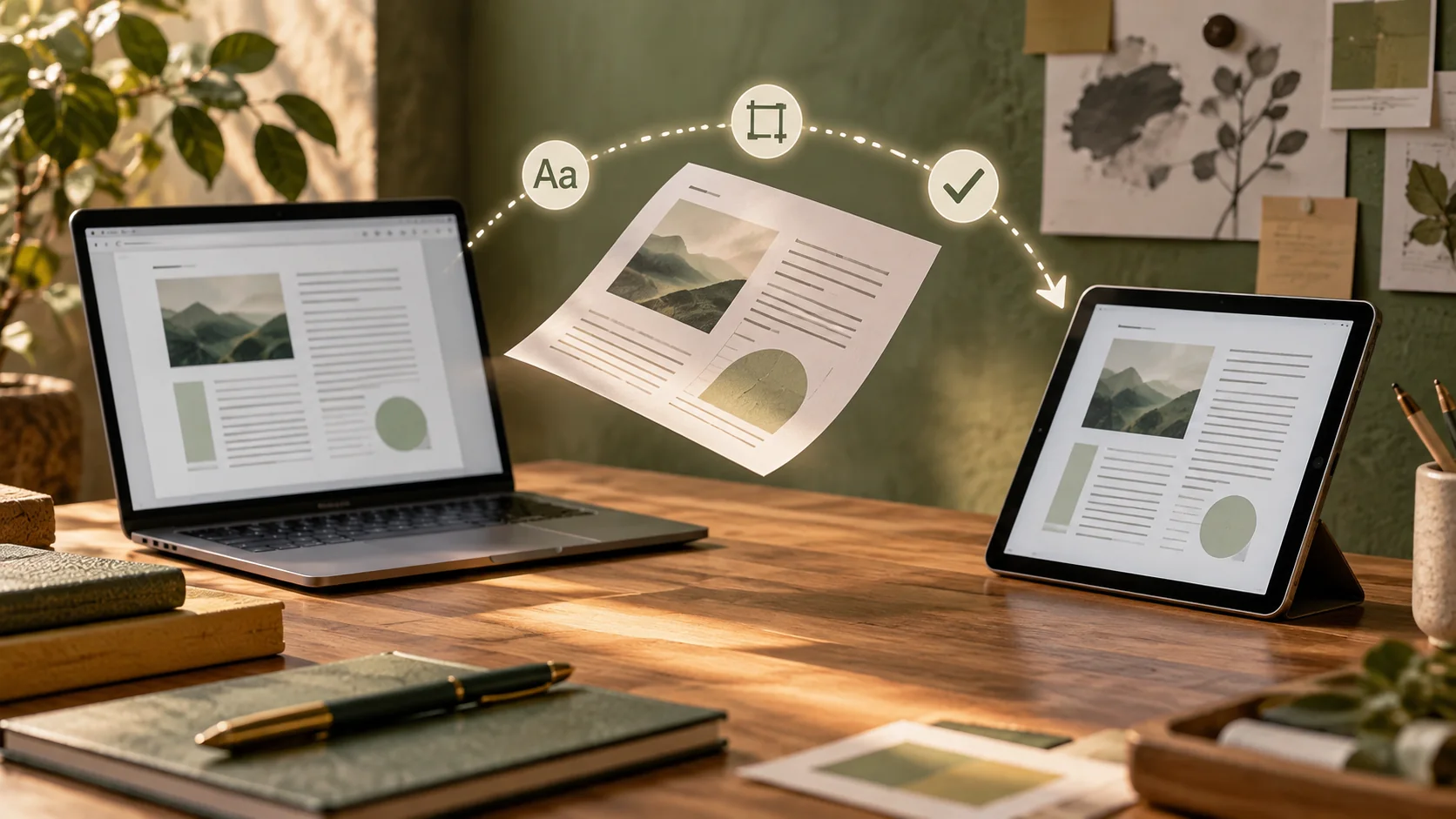
This researched assessment starts with a small annoyance: a document looks lovely on your laptop and awkward on someone else’s. MobiOffice is worth considering when you need familiar document, spreadsheet and presentation work without automatically choosing the biggest suite. MobiSystems describes support for common Office formats. I would still treat compatibility as something to test with your actual files. A format extension does not promise identical line breaks, working macros or matching Japanese fonts on every recipient’s computer.
受け取る人の画面も大切
これは資料に基づく評価です。自分の画面では整っている文書が、相手の画面では崩れることがあります。公式説明は一般的なOffice形式への対応を示しています。ただし、改行、マクロ、日本語の字体まで同じになるとは限りません。実際のファイルで確かめましょう。
Build a tiny acceptance document
Make one sample that resembles your real work: an English or Spanish paragraph beside Japanese, a heading, a table and a linked reference. Include a long URL and a line that mixes kanji, kana and Latin characters. If your workflow requires ruby readings, include them in the sample and confirm whether the exact application and platform support editing and preserving them. Do not assume the side-by-side reading experience on ManabiKobo will survive a paste into an office document. These are different rendering systems with different capabilities.
小さな確認用文書を作る
英語かスペイン語と日本語を並べ、見出し、表、リンクを入れた見本を作ります。長いURLと複数の文字種も含めます。振り仮名が必要なら、利用するアプリと端末で編集と保存ができるか確認してください。ウェブページを貼り付けるだけで同じ表示になるとは限りません。
Run a round trip
Save the editable file, open it in the recipient’s usual application, make one small change there and reopen it in your original app. Then export a PDF and inspect that separately. Check the meaning as well as the appearance: dates, decimal separators, formulas and a Japanese name can be wrong while the page still looks polished. Keep the original sample unchanged so the comparison stays fair. This little round trip is more informative than trying every toolbar button without a document you actually care about.
往復させて確かめる
相手のアプリで開き、小さく編集して戻します。PDFも別に確認します。見た目だけでなく、日付、小数点、計算式、日本語の名前を見てください。比較用の原本は変更せずに残します。実際の受け渡しを試すほうが、機能の数を眺めるより役に立ちます。
Read the product boundary
The vendor’s business page distinguishes MobiOffice from advanced MobiPDF editing and notes platform differences. That matters because an Office bundle and a PDF editor can sound like the same purchase when they are not. Use the current MobiOffice product page alongside the actual deal terms. Confirm permitted devices, operating systems, update rights and whether the license suits your use. A catalog label containing “lifetime” does not settle any of those details or promise every future product feature.
含まれる機能を分けて読む
公式ページはMobiOfficeと高度なPDF編集を区別し、端末による違いも説明しています。製品ページと販売条件で、対象端末、更新、用途を確認します。「永久」という表示だけで、将来の全機能まで使えるとは判断できません。
A document acceptance card
- Editable copy: survives a change in the recipient’s application.
- Japanese text: remains readable without missing characters.
- Reference PDF: opens with correct tables and links on another device.
The October 14, 2026 listing restricts this offer to new users and describes one desktop plus two mobile devices. It gives a thirty-day redemption window. Check those conditions against your existing account and intended devices before treating it as a replacement for the whole household.
文書の合格条件
- 相手のアプリで変更しても編集できる。
- 日本語の文字が欠けずに読める。
- 別端末でPDFの表とリンクを確認できる。
2026年10月14日の販売ページでは、新規利用者、デスクトップ一台とモバイル二台、三十日以内の引き換えとされています。対象アカウントと端末を確認します。
Keep the exit easy
I would skip this purchase if an existing suite already passes the round-trip test, or if your team depends on an unverified advanced feature. A free office suite such as LibreOffice is a sensible comparison candidate; run the same sample instead of assuming it wins or loses. Keep important documents in ordinary exportable formats and maintain a PDF reference copy where appearance matters. The useful takeaway is independent of the brand: choose the editor that preserves your work across the whole journey, including the person who receives it.
Check the MobiOffice listing and current terms. Availability, price, redemption rules and exact plan inclusions need checking before purchase.
移行できる形を保つ
今のソフトで問題がない場合や、必要な高度な機能が未確認の場合は購入を急ぎません。無料のLibreOfficeでも同じ試験ができます。編集可能な形式と、見た目を残すPDFを保存しましょう。相手が受け取った後まで文書を守れることが選ぶ基準です。
商品ページと現在の条件を確認する。購入前に、販売状況、価格、利用開始の条件、対象機能を確認してください。
Sources & buying notes
Sources checked October 14, 2026. This assessment uses published documentation, not hands-on testing. Promotions, included features and redemption terms can change; check the exact offer before paying.
出典と購入前の確認
資料の確認日は2026年10月14日。公開資料に基づく評価で、実機のテストではない。販売プランの機能や引き換え条件は変わるため、購入前に最新の条件を確認しよう。紹介リンクから購入すると、追加費用なしでManabiKoboに報酬が入る場合がある。
Put this idea into practice
Keep reading
PDNob: turn a Japanese scan into text you have actually checked
A careful OCR workflow for Japanese study material that keeps the scan, verifies characters and separates extraction from translation.
AOMEI Backupper: the useful demo is a restore
A Windows recovery rehearsal for people who experiment with generated code, tools and workstation changes.
Qlango: turn a correct answer into a sentence you can use
Japanese is in Qlango’s catalog. Here is how to assess whether its practice fills a real gap in your study routine.